It’s a common frustration in early 2026: you finish an iOS or firmware update, pop in your AirPods, and suddenly it sounds like you’re listening to music through a thick wool blanket. While it’s easy to blame a “buggy update,” the reality is usually a mix of software resets and physical timing.
Here is the definitive guide on why your AirPods sound muffled after an update and the specific steps to restore that crisp, high-fidelity sound.
Why Do Updates Cause Muffled Audio?
In the tech world of 2026, Apple updates (like the recent Firmware 8B34) often tweak the Equalizer (EQ) curves and Loudness Correction. Here’s what’s likely happening:
- LDEQ Adjustments: Apple’s “Loudness Digital EQ” often recalibrates during updates. If the update increases bass emphasis at lower volumes, it can create a “muddy” or muffled sensation.
- Settings Reset: Major updates (like iOS 26.2) can revert your Headphone Accommodations or Spatial Audio profiles to factory defaults, removing the “brightness” you were used to.
- The “Cleaning” Coincidence: We often pay closer attention to audio quality right after an update. A tiny amount of earwax on the mesh—which was already there—suddenly becomes noticeable because you’re looking for changes.
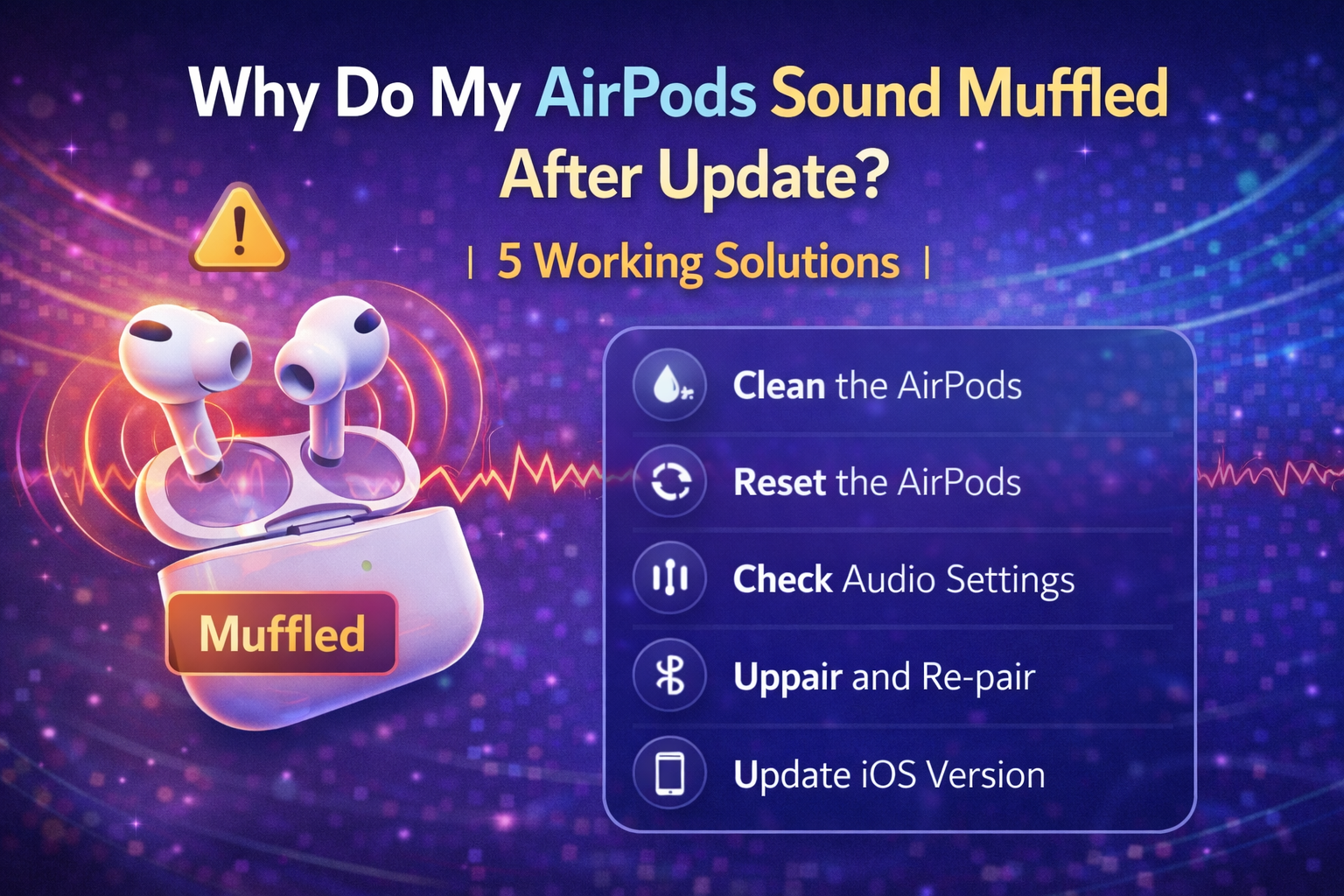
5 Steps to Fix Muffled AirPods Fast
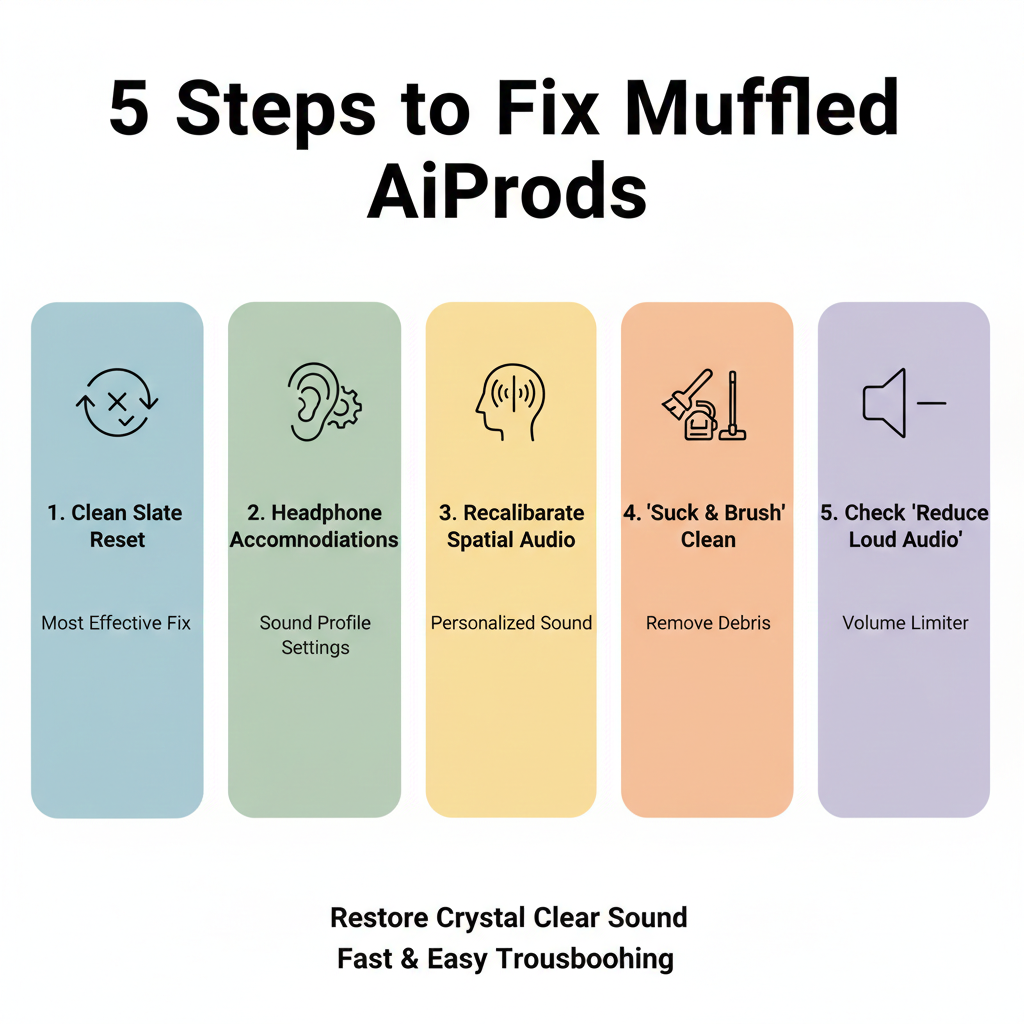
1. The “Clean Slate” Reset (Most Effective)
If a software glitch occurred during the firmware handshake, a hard reset is the only way to clear it.
- Put your AirPods in the case and close the lid for 30 seconds.
- Go to Settings > Bluetooth on your iPhone and tap the (i) next to your AirPods. Select “Forget This Device.”
- With the lid open, hold the button on the back for 15 seconds until the light flashes Amber, then White.
- Reconnect and test.
2. Adjust Headphone Accommodations
If the new firmware feels too “bassy,” you can manually boost the treble to clear up the muffle.
- Go to Settings > Accessibility > Audio/Visual > Headphone Accommodations.
- Toggle it ON.
- Select “Balanced Tone” or “Vocal Range.”
- Move the slider to “Slight” or “Moderate.” This instantly adds “crispness” back to the audio.
3. Recalibrate Personalized Spatial Audio
The 2026 updates have significantly changed how Spatial Audio renders. If your old ear-scan is no longer compatible with the new algorithm, the soundstage will feel “off” and muffled.
- Go to AirPods Settings > Personalized Spatial Audio.
- Select “Stop Using Personalized Spatial Audio.”
- Re-scan your ears to create a fresh profile compatible with the latest firmware.
4. The “Suck and Brush” Cleaning Method
Even if they look clean, the microscopic holes in the mesh can be clogged.
- Use a dry, soft-bristled toothbrush to gently scrub the black speaker mesh.
- The Pro Hack: Many audiophiles use a small piece of Blu-Tack to lift wax out of the mesh without pushing it in. Avoid using liquids, as moisture trapped behind the mesh is a leading cause of permanent muffling.
5. Check “Reduce Loud Audio”
Updates occasionally trigger safety features that compress your sound to protect your hearing.
- Check Settings > Sounds & Haptics > Headphone Safety.
- If “Reduce Loud Audio” is on, it may be squashing the high frequencies. Try turning it off to see if the clarity returns.
Comparison of Common 2026 Issues
| Symptom | Likely Cause | Quick Fix |
| Muffled Music | EQ Profile Shift / Wax | Headphone Accommodations |
| Muffled Voice/Calls | Mic Obstruction | Clean the bottom stem mics |
| “Underwater” Feeling | ANC/Transparency Bug | Toggle Noise Control modes |
| One Side Muffled | Physical Debris | Deep clean with Blu-Tack |
Conclusion
A “muffled” sound profile after a 2026 update is rarely a sign of broken hardware. Usually, it’s a combination of the new firmware’s Loudness EQ being tuned differently and your custom Accessibility settings being reset. By performing a hard factory reset and tweaking your Headphone Accommodations, you can almost always get that “out of the box” clarity back.
If you’ve tried all the steps above and the sound remains distorted, it’s worth checking the Apple Support app—2026 has seen a few limited service programs for specific batches of AirPods Pro that experience “Sound Degradation” over time.
- 10 Home Recording Studio Equipment [Updated List] 2026
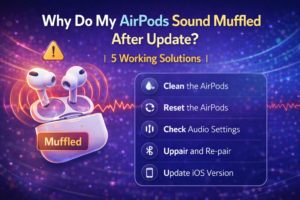
- Why Do My AirPods Sound Muffled After Update? 5 Working Solution
- What Is cVc Noise Cancellation? Guide to Crystal Clear Calls [2026]
- How to Stop Bluetooth Interference From WiFi Routers | Most Common Issue
- How to Use Bluetooth to Connect Your Phone to Your Car | 3 Step Process
- How Does Apple’s H1 and H2 chips Works? what are the Benefits [2026]