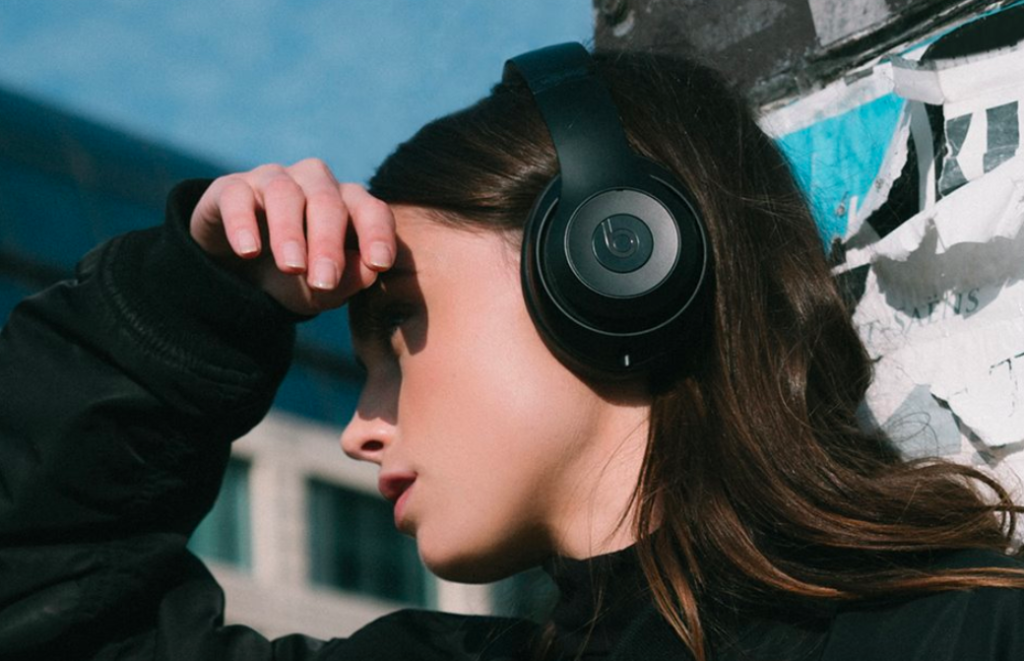
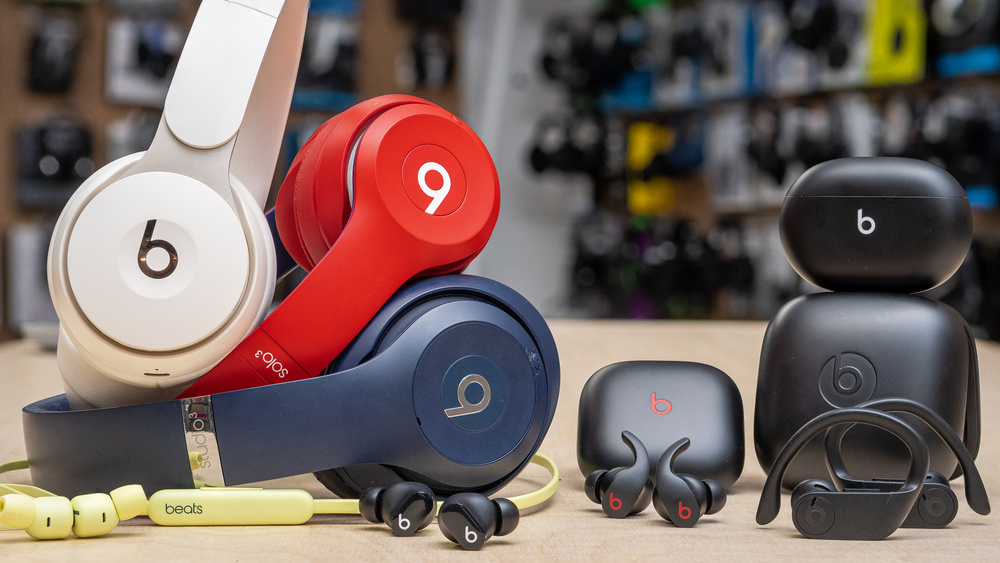
It’s incredibly frustrating when you’re in the middle of a workout or a deep-work session and your audio just… stops. Whether you’re rocking the Beats Studio Pro, Solo 4, or Beats Fit Pro, consistent disconnections usually boil down to a handful of technical culprits.
In 2026, with the sheer number of wireless devices in our homes, “signal crowding” is the most common reason for these drops. Here is the highly structured, professional guide to identifying and fixing why your Beats keep disconnecting.
1. The “Usual Suspects”: Common Technical Glitches
Before diving into deep fixes, rule out these fundamental issues that cause most Bluetooth drops.
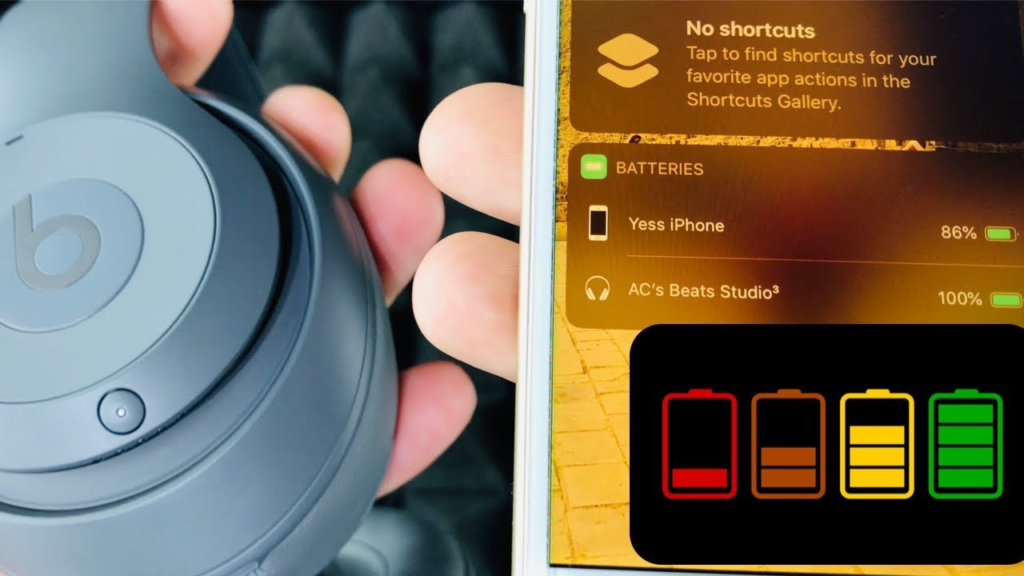
- Low Battery Voltage: When your Beats drop below 20% battery, the Bluetooth transmitter loses the power necessary to maintain a stable “handshake” with your device. Even if they aren’t dead, a weak battery causes “stuttering.”
- The 33-Foot Limit: Bluetooth 5.0 and 5.3 have better range, but physical barriers like drywall, mirrors, and metal cabinets drastically shorten this. If you walk into another room, the signal has to fight through structural density, leading to a disconnect.
- Automatic Switching Fatigue: If you are an Apple user, your Beats may be trying to “intelligently” switch between your iPhone, Mac, and iPad. If one of those devices gets a notification, the headphones might jump over, making it feel like they disconnected from your primary device.
2. 2.4GHz Signal Interference (The “Invisible Wall”)
Most Bluetooth devices operate on the 2.4GHz frequency, which is the same “lane” used by older Wi-Fi routers, microwaves, and even baby monitors.
- Wi-Fi Overlap: If your Wi-Fi router is sitting right next to your desk, it can “drown out” the weaker Bluetooth signal from your Beats.
- USB 3.0 Noise: Fun fact—USB 3.0 ports on computers can emit radio-frequency interference that specifically targets Bluetooth. If you’re using a Mac or PC and your Beats are dropping, try moving any USB hubs further away from the machine.
3. The “Hard Reset” Roadmap (Model-Specific)
Sometimes, the firmware just gets “confused.” A factory reset wipes the paired memory and forces a fresh connection.
| Model | Reset Method |
| Beats Studio Pro / Solo 4 | Hold the Power and Volume Down buttons for 10 seconds until the Fuel Gauge flashes. |
| Beats Fit Pro / Studio Buds+ | Place buds in the open case. Hold the System Button for 15 seconds until the light flashes red and white. |
| Beats Solo 3 / Studio 3 | Hold the Power and Volume Down buttons for 10 seconds until the LED fuel gauge flashes. |
| Beats Flex | Hold the Power and Volume Down buttons for 15 seconds. |
4. Software & Firmware Maintenance
In 2026, software is just as important as hardware.
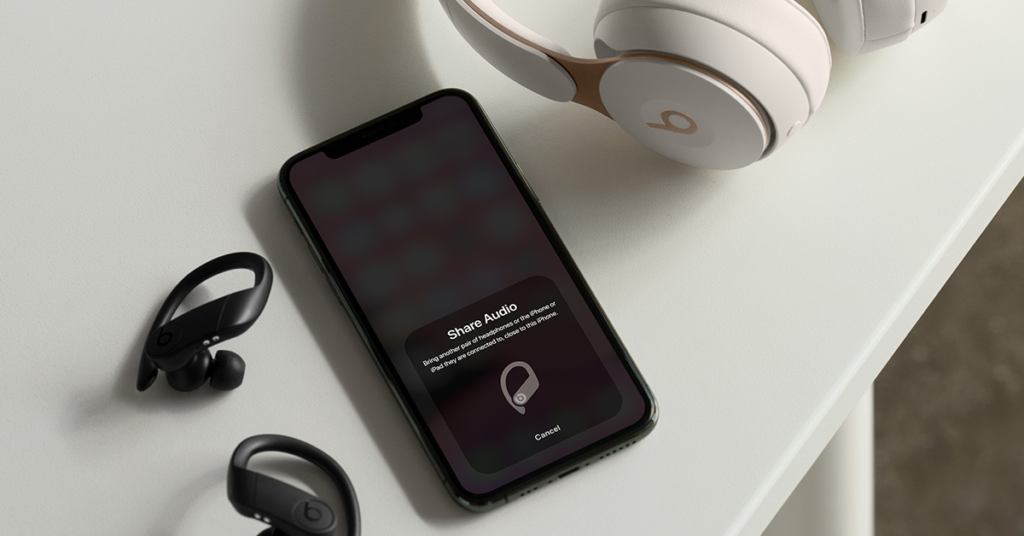
- Apple Users: Your Beats update automatically when connected to an iPhone or Mac. Ensure your iOS 26 or macOS Tahoe is fully up to date.
- Android Users: You must download the Beats App from the Google Play Store. It is the only way to push firmware updates to your headphones on Android, which often contain “stability patches” for Bluetooth drops.
Summary Checklist for a Stable Connection
- Charge to 50%+ before troubleshooting.
- “Forget” the device in your Bluetooth settings and re-pair from scratch.
- Disable “Automatic Ear Detection” in settings if the audio cuts out when you move your head.
- Update your OS (Android 16+ or iOS 26+).
- 10 Home Recording Studio Equipment [Updated List] 2026
- Why Do My AirPods Sound Muffled After Update? 5 Working Solution
- What Is cVc Noise Cancellation? Guide to Crystal Clear Calls [2026]

- How to Stop Bluetooth Interference From WiFi Routers | Most Common Issue
- How to Use Bluetooth to Connect Your Phone to Your Car | 3 Step Process
- How Does Apple’s H1 and H2 chips Works? what are the Benefits [2026]